Why Transform Responses?
- Token efficiency: Summarizes to the few facts the model needs next, conserving context window and reducing distraction.
- Better tool use loops: Framing outputs as intentions (“Inventory insufficient; check warehouse B”) helps the LLM choose the right next tool call.
- Schema abstraction: Hides brittle field names and shapes, so prompts don’t break when an endpoint version changes.
- Consistent tone & policy: Centralized phrasing enforces brand, compliance language, and safety policies across all tool outputs.
- Disambiguation of codes & enums:
status=3→Payment declined because the card expired,which the model can reason about directly.
How Response Formatting Works
1
API Response Receipt
Raw HTTP response received from your API endpoint
2
Template Processing
Handlebars template processes the context to generate formatted output
3
Response Delivered to AI Agent
Structured response delivered to AI agent for natural language understanding
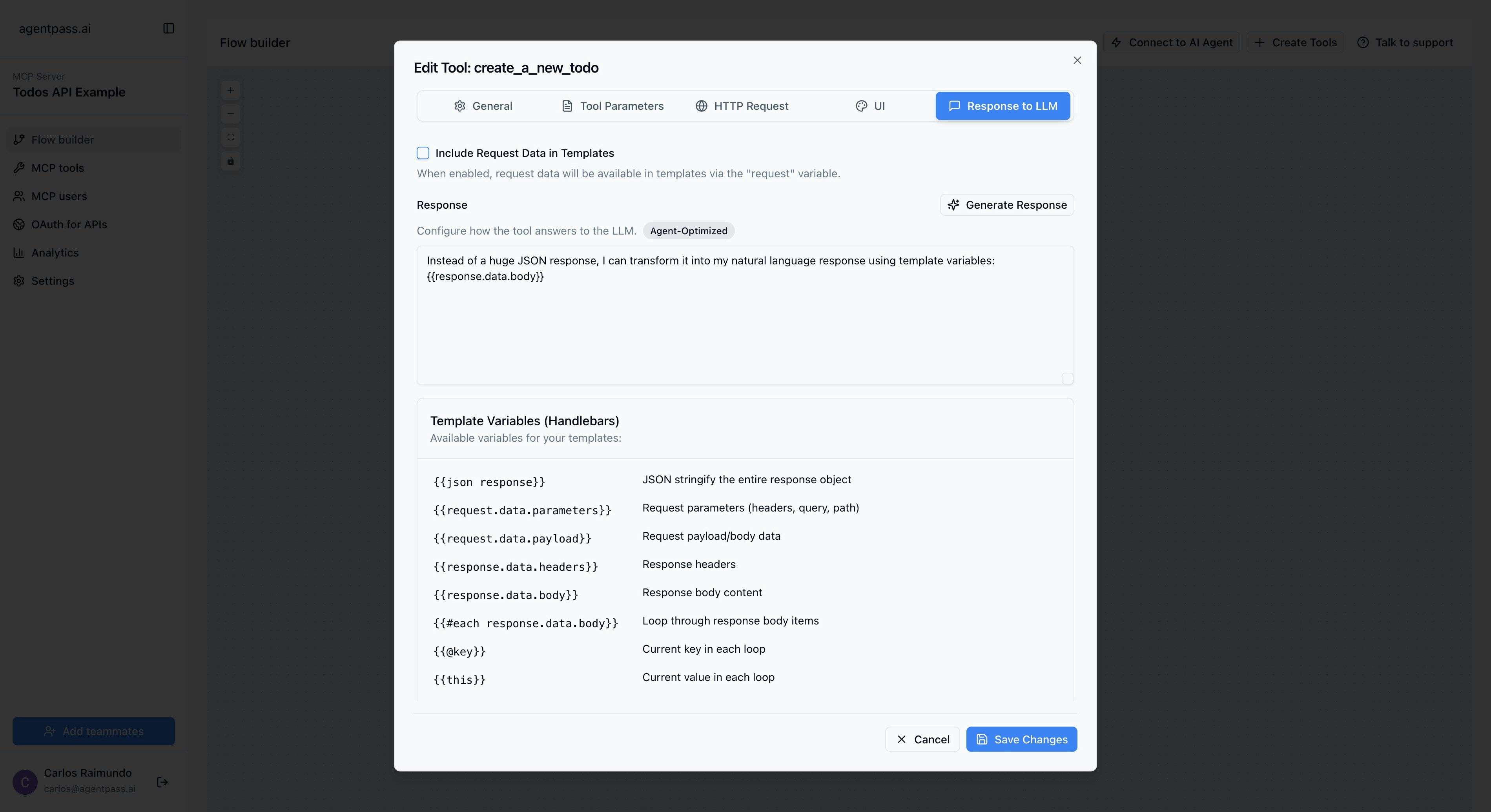
Formatting Configuration System
Core Configuration Options
- Main Template
- Collection Template
Template Variables and Context
Available Variables
The formatting system provides a rich context for template processing:- Response Data
- Request Context
- Error Context
- Loop Variables
Built-in Handlebars Helpers
json - JSON Stringification
json - JSON Stringification
Converts objects to JSON strings for structured output.
concat - String Concatenation
concat - String Concatenation
Combine multiple strings or values.
base64 - Base64 Encoding
base64 - Base64 Encoding
Encode strings to Base64 format.
AI-Generated Templates
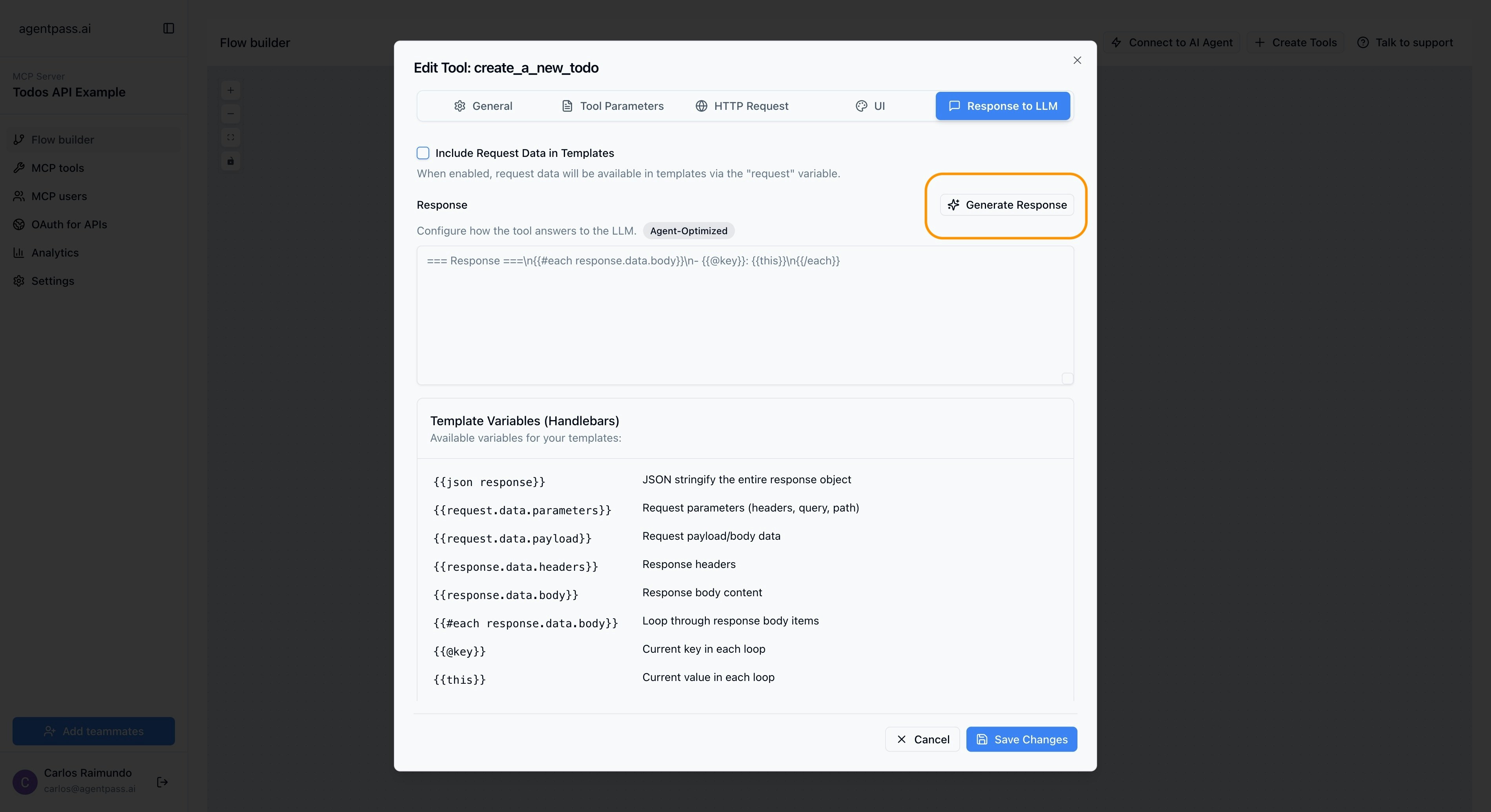
Automatic Template Generation
AgentPass includes intelligent template generation powered by AI:1
Analyze API Response
AI examines the API response structure and data types
2
Understand Context
AI considers the tool’s purpose and expected use cases
3
Generate Template
AI creates an optimized Handlebars template for the response
4
Optimize for Agents
Template is structured for optimal AI agent comprehension